Phone speakers don’t usually die suddenly — they fade. Pocket lint this month, dust from a building site next month, a splash you didn’t fully dry. Each takes a little volume away, until one day your phone sounds half as loud as it used to.
The fix is boring but effective: maintenance. Nine small habits, none needing tools or skill, that keep your speaker sounding like new.
1. Keep It Out of the Lint Zone
The number one speaker killer is your pocket. Pockets collect lint, and every slide in and out packs a little more against the speaker grille. Over months it forms a felt-like layer that muffles sound badly.
If your speaker has been gradually getting quieter, lint is the first suspect — see our guide to a speaker getting quieter over time. The habit fix: carry the phone screen-in (grille facing away from lint), or in a bag compartment instead.
2. Give the Grille a Weekly Brush
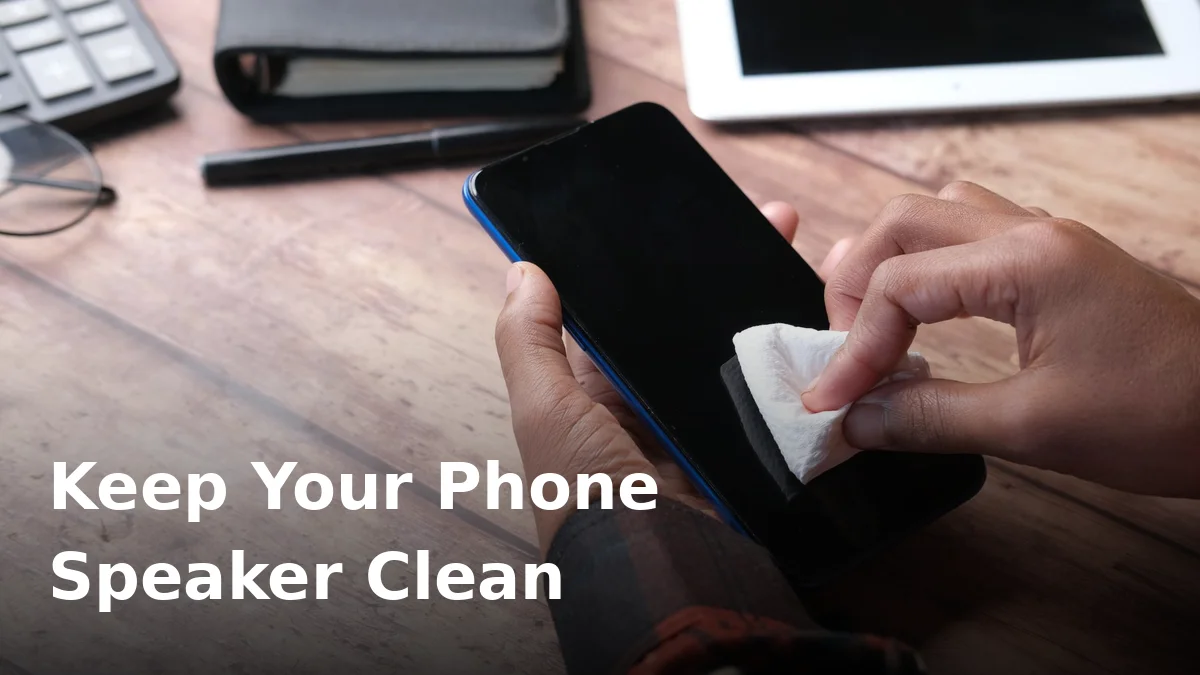
Once a week, take a soft-bristled brush — a clean, dry toothbrush is perfect — and gently sweep the speaker grille. Light strokes, no pressure. You’re flicking surface dust away before it works its way in.
Twenty seconds prevents most of the buildup that later needs a deep clean. For anything the brush can’t shift, follow our full how to clean a phone speaker guide.
3. Never Poke the Speaker Holes
It’s tempting to dig out visible gunk with a pin, needle, or SIM ejector tool. Don’t. The grille is a fine mesh protecting a delicate membrane, and one slip tears it — turning a cleaning job into a repair bill. Brushes and sound waves clean; sharp objects destroy.
4. Skip the Compressed Air
Canned air seems like the obvious tool, but the blast is too strong for a phone speaker. It can force dust deeper past the mesh, and the propellant can spray freezing liquid onto the membrane. If you want to use sound instead of air, our dust cleaning mode vibrates debris loose safely.
5. Dry It Properly After Any Water Exposure
Rain, sweat, steam from a hot shower — everyday moisture gets into speakers constantly. Most of the time it evaporates on its own. But if the speaker sounds dull after getting wet, don’t just wait and hope: run a water eject cycle while the water is still liquid. Trapped moisture that sits for days leaves mineral residue on the mesh.
6. Check Your Case Isn’t the Problem
Some cases — especially cheap ones, or ones with built-in dust plugs — partially cover the speaker grille. If your phone got quieter right after you changed cases, that’s not a coincidence. Check that every speaker hole lines up with a cutout, and clean the lint that collects between the case and the phone monthly.
7. Keep It Away From Dusty Environments
Building sites, workshops, beaches, festival fields — fine dust and sand are brutal on speakers. Sand is the worst: hard grains work through the mesh over time. If your phone must go into these places, a zip-lock bag is an ugly but extremely effective shield. After a beach day, brush the grille before sand migrates inside.
8. Run a Monthly Sound Clean
Once a month, play a speaker-cleaning tone for a couple of minutes — even if nothing sounds wrong. The vibrations shake out fine dust before it compacts into that muffling felt layer. Think of it like descaling a kettle: preventive, quick, and it stops small problems becoming big ones. Our free speaker cleaner has a dedicated dust mode for exactly this.
9. Update Your Software and Check Settings
Not every “quiet speaker” is a dirty speaker. Before assuming hardware trouble: check that mono audio is off, the left-right balance is centred, and there’s no volume limit set (Settings → Sounds on iPhone; Settings → Sound on Android). A surprising number of “dying speakers” are just a setting someone toggled by accident.
When Maintenance Isn’t Enough
If you’ve brushed, blown (gently), and sound-cleaned, and the speaker still sounds wrong, the problem has moved past maintenance:
- Still muffled after water? Run a proper water eject routine — deep moisture needs sustained tones, not one quick blast.
- Distorted or rattling? Work through our blown speaker check to tell debris apart from genuine damage.
- Quiet on calls specifically? That’s the earpiece, a separate speaker — see the earpiece fix guide.
Frequently Asked Questions
How often should I clean my phone speaker?
A quick brush weekly and a sound-clean monthly is plenty for normal use. If you work in dusty environments or carry the phone in lint-heavy pockets, brush it every few days.
Can I clean my phone speaker with a toothpick?
No — anything hard and pointy risks tearing the protective mesh. Stick to soft brushes and cleaning tones.
Does playing loud music clean the speaker?
Partially. Loud bass-heavy music does vibrate the membrane, which shakes loose some dust. But dedicated cleaning tones use specific frequencies designed to move debris more effectively, so they’re the better option.
Will a screen protector affect speaker sound?
Only if it’s misaligned and covers the earpiece. Full-coverage protectors that creep over the earpiece slot are a classic cause of “quiet calls.” Check the alignment before assuming the speaker is dirty.
My speaker was fine, then got quiet overnight. What happened?
Overnight changes are usually software (an update changed audio settings) or moisture (condensation, a humid bathroom). Check settings first, then run a water eject cycle.
Start your maintenance routine today: run a two-minute sound clean on our free speaker cleaner — no download, works on any phone, and your speaker will thank you.