
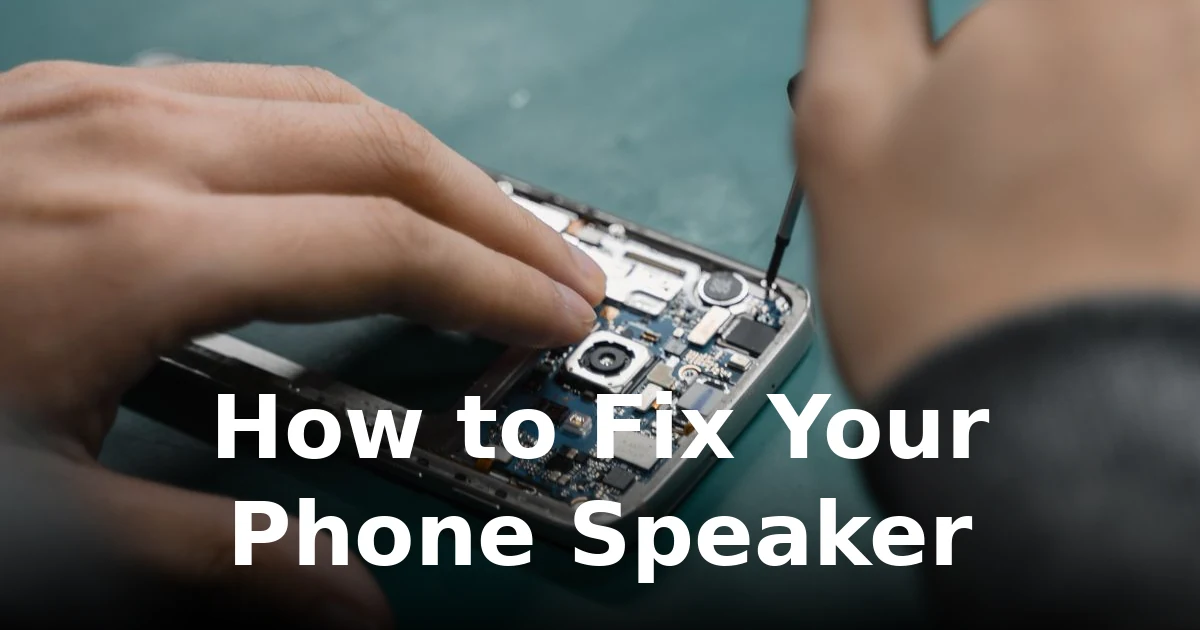
Your 2-minute diagnosis
Before touching any settings, work out what kind of problem you have. Play a song at medium volume and listen carefully.
- Quiet or muffled everywhere? Usually lint, dust, or water blocking the grille.
- Crackling or distortion? Could be blockage, software overload, or a damaged driver. Our guide to crackling phone speakers digs into this one.
- No sound at all? Check the basics first — this is the most common cause of “dead” speakers and takes ten seconds.
- Fine on calls but bad on music? That points at software, not hardware.
Most speaker problems turn out to be the easy kind. Work through the fixes in order — each takes a minute or two, and you’ll know exactly when to stop.
Fix 1: Check the obvious settings
Start here, because it fixes more “dead speaker” panics than anything else.
- Turn the volume all the way up while media is playing — the ringer and media volumes are separate, and phones remember them per app.
- Make sure Do Not Disturb and any focus mode are off, and that Bluetooth is disconnected (your phone may be sending sound to a watch or speaker you forgot about).
- Plug earphones in and unplug them once. A stuck headphone-mode state reroutes all audio to a phantom headset — see our guide on phone stuck in headphone mode if the sound never comes back.
Fix 2: Restart your phone
It sounds like a cliché because it works. Restarting clears the audio routing state, kills background apps that grabbed the audio focus, and resets any glitchy equalizer processing. It’s the single fastest fix for sudden no-sound problems, and you haven’t spent a penny or touched a tool.
Fix 3: Clean the speaker grille
Pocket lint is the silent killer of phone speakers. It packs into the grille mesh over months until sound is muffled, quiet, or distorted — and many “broken speaker” cases end right here.
Gently brush the speaker opening with a clean, dry, soft-bristled brush (a soft toothbrush works). Don’t push anything into the hole — no pins, no needles. If you suspect dust behind the grille, play a dedicated cleaning tone with the speaker facing down; the vibration shakes loose what the brush can’t reach. Our full phone speaker cleaning guide covers the complete method for both Android and iPhone.
Fix 4: Push water out with sound
If the phone got wet — rain, sink, shower steam — and the speaker has sounded muffled ever since, there’s probably water trapped behind the mesh. Don’t use a hairdryer (heat can damage the adhesive inside the phone) and don’t charge it yet. Instead, play a water-eject sound at maximum volume with the speaker facing down for a few minutes; the vibration physically drives droplets out. Then let the phone dry in open air. More detail in our guide to speakers not working after water exposure.
Fix 5: Reset the software audio path
Software is the next suspect after blockage:
- Disable equalizers and “volume booster” apps. Third-party EQ and booster apps override your phone’s audio limits and are a top cause of distortion. Disable them or uninstall the suspects.
- Clear the cache of the affected app. If distortion happens in one app only, it’s that app — hardware damage affects everything equally.
- Check for software updates. Audio driver bugs ship in updates and get fixed in later ones.
- Try Safe Mode (Android). Hold power, long-press “Power off”, choose Safe Mode. If sound is clean there, a third-party app is the culprit.
Fix 6: Know when it’s a hardware problem
If you’ve cleaned it, restarted it, disabled every EQ, and it still distorts at every volume level — even quiet — the driver itself may be damaged (a torn cone or detached coil). Hardware damage is permanent; no cleaning or setting will bring it back. Our guide on how to tell if a speaker is blown walks through five tests that separate a dead driver from a dirty one. If the tests point to hardware, take it to a repair shop rather than opening the phone yourself.
Fix 7: Prevention, so it doesn’t come back
- Keep the phone out of lint-heavy pockets, or use a case with covered speaker cutouts.
- Wipe the grilles during your weekly phone wipe — thirty seconds prevents months of build-up.
- Don’t max out the volume for hours with bass-heavy music, and skip “volume booster” apps that bypass your phone’s limiters.
- If the phone gets wet, run a water-eject cycle the same day rather than waiting for the muffling to sort itself out.
Frequently asked questions
Why is my phone speaker suddenly so quiet?
The most common cause is a grille blocked with lint or dust. Brush it out and run a cleaning tone — volume usually returns immediately.
Why does my phone speaker crackle at high volume?
Usually blockage vibrating against the grille, an equalizer or booster app overdriving the signal, or — less often — a damaged driver. See our crackling guide for the full diagnosis.
My speaker stopped working after an update. Is it broken?
Almost certainly not — software updates can glitch audio routing. Restart first, then check for a follow-up update, and try Safe Mode to rule out apps.
Can a phone speaker fix itself?
Blockage and software glitches can appear to “fix themselves” when debris shifts or a reboot clears a glitch. A physically blown speaker cannot heal — it needs a repair shop.
When should I give up and go to a repair shop?
After you’ve cleaned the grille, restarted, disabled all EQ/booster apps, and tested at every volume. Persistent distortion at all volumes after all that is the clearest hardware signal.
Still muffled after the basics? Run the free speaker cleaner — a two-minute water-eject and dust-cleaning cycle fixes most blockage problems on the spot.
2 Comments
Comments are closed.