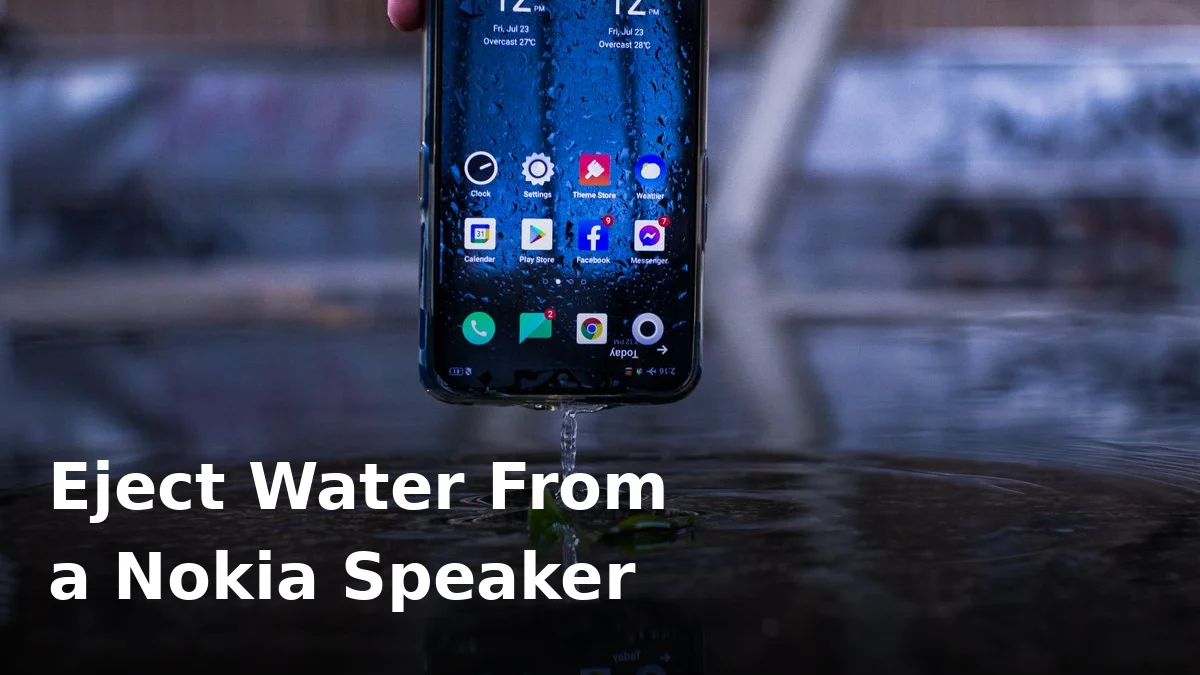
Got water in your Nokia speaker and now calls sound like they are coming from underwater? Don’t panic. Most Nokia phones, from the budget G series to the tougher XR models, use a single bottom-firing speaker, and water trapped behind that small grille usually clears with sound and patience, not with a repair bill.
Nokia phones running stock Android do not have a built-in water-eject feature, so you will need to play a cleaning tone through the speaker itself. A speaker cleaner tool does exactly that: it plays a low, pulsing tone that vibrates the speaker membrane and pushes droplets out of the grille. It is the same principle behind the water-eject feature on smartwatches, just delivered through your browser.
First, do the safe things
Before you play anything, take the case off, turn the volume up, and hold the phone speaker-side down at a slight angle. Tap it gently against your palm a few times. Never poke anything into the grille, never use compressed air at close range, and never charge the phone while the port is wet. If the phone went into a pool or the sea, rinse the outside gently with clean fresh water first, because salt and chlorine cause corrosion long after the speaker sounds dry again. Dry the outside with a soft cloth and leave the phone in moving air, not on a radiator or in direct sun.
If the phone shows a moisture warning, or it refuses to charge, stop and let it dry fully before plugging anything in. A muffled speaker is annoying; a shorted charging port is expensive.
How to eject water from a Nokia speaker, step by step
- Open a speaker cleaner tool on the Nokia phone itself, with the speaker facing down and slightly tilted.
- Set the volume to maximum and play the water-eject tone for 30 to 60 seconds. You should see tiny droplets appear at the grille, and the sound should gradually clear.
- Wipe the grille dry, then repeat once or twice. Two or three short runs work better than one long blast.
- Play a normal song or voice note afterwards. If it still sounds muffled, leave the phone speaker-down in a well-ventilated room for an hour and try again. Some water sits behind the mesh and needs time to work its way out.
On Nokia models with stereo sound, check both speakers after the tone. A call that sounds fine on loudspeaker but muffled on the earpiece usually means the earpiece grille is the wet one, not the main speaker.
What Nokia’s water resistance actually means
Water resistance varies a lot across Nokia’s range, so check your exact model rather than assuming. Many G-series phones carry an IP52 rating, which means protection against drips and light splashes only. Tougher models such as the XR series go much further, but even then, no IP rating is a promise that covers water damage under warranty, and seals wear down with age, drops and heat. Treat any dunk as a drying job, even if the phone was sold as water resistant. The longer water sits in the grille, the more likely it is to leave residue that dulls the sound permanently.
Mistakes that make it worse
- Blowing hard into the speaker, which pushes water deeper.
- Using a vacuum cleaner or compressed air, which can damage the membrane.
- Putting the phone in rice. Rice dust gets into the grille and the port, and rice does not dry the inside of a sealed phone any faster than air.
- Playing the tone at low volume. The vibration needs to be strong enough to move water, so keep the volume up for the short cleaning run, then turn it back down.
- Opening the phone yourself if it is still under warranty. A muffled speaker after water is a warranty conversation, not a screwdriver job.
When it is not just water
If the speaker still sounds distorted after a full day of drying, or it crackles at every volume, the membrane may be damaged, or debris may be stuck behind the mesh. Try a soft brush over the grille and a speaker test at low, medium and high volume. If the distortion only appears at high volume, that points to damage rather than trapped water, and a repair shop can test the module before replacing it. If sound only fails in one app, check that app’s permissions and volume settings first, because a wet speaker affects everything, not one app.
Frequently Asked Questions
Does Nokia have a built-in water eject sound?
No, stock Android on Nokia phones has no built-in eject feature, so use a web-based speaker cleaner tool and play the tone through the phone’s own speaker.
How long should I play the eject tone?
Run it for 30 to 60 seconds at full volume, wipe the grille, and repeat two or three times. If it is still muffled after a few runs, let the phone air-dry for an hour and try again.
Is the water eject sound safe for my Nokia speaker?
Yes, at normal full volume for short runs it is safe. It is just a tone played through the speaker. Do not use extreme volume boosters or external amplifiers with it.
My Nokia speaker sounds fine on calls but muffled on music. Why?
Calls often use the earpiece, while music uses the main speaker. The wet grille is usually the main bottom speaker, so test both and clean the one that sounds muffled.
Can I charge my Nokia while the speaker is wet?
If only the speaker is wet and the charging port is dry, charging is normally fine, but if the phone shows any moisture warning, wait until it is fully dry before plugging in.
How long does it take for a Nokia speaker to dry out?
Surface water often clears in minutes with the tone, but a full dry can take a few hours. If it is still muffled after 24 hours of air drying, get the speaker checked.
Try the free tool now: Fix My Phone Speaker plays the cleaning tone right in your browser, no app or sign-up needed. For general first aid after any dunk, see Phone Dropped in Water: First Aid, and if you are unsure whether the tone itself is safe, read Is Water Eject Sound Safe?.