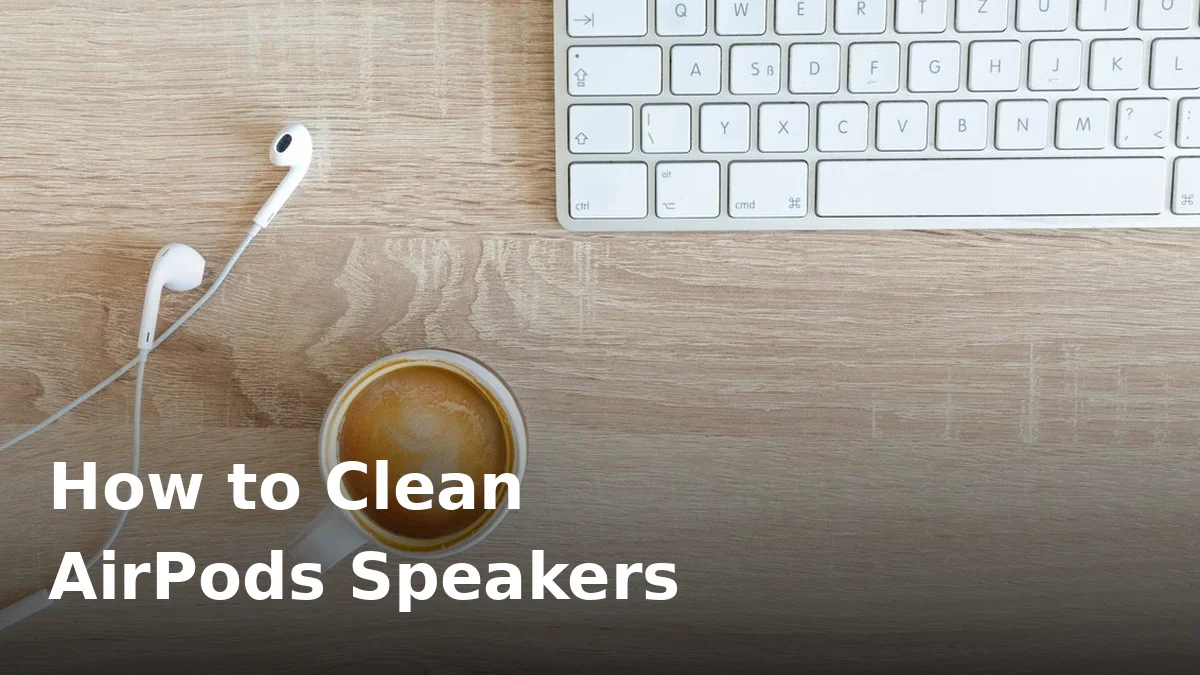
AirPods go quiet gradually, and that is what makes the problem so sneaky. One week the volume seems fine, the next you are pressing them deeper into your ears and wondering if the battery is dying. In most cases the battery is fine — the speaker mesh is just clogged with earwax, dust, and skin oils, and sound cannot get out properly.
Cleaning AirPods speakers is easy, but the mesh is delicate, and the wrong tool can push wax deeper or tear it. Here is the safe way to do it, model by model, including the case — because a dirty case can undo a clean pair of buds in a day.
Before you start: which AirPods do you have?
The cleaning steps differ slightly by model. AirPods Pro have removable silicone ear tips that you can wash separately. Standard AirPods (1st to 4th generation) have a fixed mesh with no removable tip. Newer models also differ in water resistance — none of them are waterproof, and the charging case is not water resistant at all, so keep liquid away from the case throughout.
Whatever the model, the golden rules are the same: no sharp objects in the mesh, no submerging the buds, no liquids in any opening, and everything must be completely dry before the buds go back in the case.
What you need
- A soft, dry, lint-free cloth
- A soft-bristled brush — a clean, dry children’s toothbrush is ideal
- Dry cotton swabs
- For AirPods Pro: a small bowl of plain water for the silicone tips only
- Good light, so you can actually see the mesh
You do not need alcohol, soap, or any cleaning spray for the buds themselves. A cloth very lightly dampened with water is the most that Apple’s own guidance allows on the exterior, and the mesh itself should stay dry.
Step 1: Clean the speaker mesh
This is the step that actually restores volume, so take your time with it.
- Hold one AirPod with the speaker mesh facing down, so anything you dislodge falls out rather than further in.
- Brush the mesh very gently with the dry soft-bristled brush, using small circular motions. You are lifting wax and dust off the surface, not scrubbing it into the holes.
- Tap the bud lightly against a dry cloth to shake loose debris out.
- Use a dry cotton swab to wipe around the mesh and the edges, but do not press the swab into the mesh itself.
- Repeat for the other bud, then hold both up to the light — the mesh should look open and even, not grey or waxy.
What not to use: toothpicks, pins, needles, SIM tools, or anything sharp. It is tempting when you can see wax in the holes, but a sharp point can puncture the mesh or push the blockage deeper, where no brush can reach it. Compressed air is also a bad idea — it can drive debris further in and, on some models, damage the microphone.
If one bud is still noticeably quieter after cleaning, that is useful information, not a failure. It may be a balance setting, a Bluetooth issue, or a genuinely failing driver — our guide to why AirPods go quiet walks through those checks in order.
Step 2: Clean the ear tips (AirPods Pro only)
Pull the silicone tips straight off the buds. Rinse them in plain water only — no soap — and wipe them with a soft cloth. If they are still tacky or discoloured, a gentle wipe with a cloth dampened with water is enough; do not soak them for long periods.
Let the tips dry completely, in open air, before pushing them back on. Putting a damp tip back on traps moisture against the mesh, which is exactly the problem you just fixed. If a tip is torn, stretched, or will not stay on, replace it — a poor seal alone can make AirPods sound quiet and bass-less, and replacement tips are inexpensive.
Step 3: Clean the case
A clean pair of buds in a filthy case will pick up debris again within days, so do the case too:
- Wipe the outside and inside with a dry, lint-free cloth.
- Use a dry soft brush or cotton swab to clear lint from the charging wells and the hinge area — gently, and never with anything metal.
- If the case exterior is grubby, a cloth very lightly dampened with water (or, if needed, a small amount of isopropyl alcohol on the cloth, never poured in) can be used on the outside only. Keep all liquid away from the charging ports and wells.
- Leave the lid open for a few minutes so any dampness evaporates before the buds go back in.
Do not put wet or damp buds in the case to “dry” there. The case is an enclosed, warm little box — it traps moisture against the charging contacts and invites corrosion.
How often should you clean them?
For daily wearers, a quick brush of the mesh every couple of weeks and a full clean (tips and case included) every month or so is plenty. If you wear AirPods while exercising, clean them more often — sweat and heat accelerate wax and grime build-up. And if you have just got yours wet rather than dirty, that is a different job: our guide to getting water out of AirPods covers drying, not cleaning.
Frequently Asked Questions
Can I wash my AirPods under water?
No. AirPods are water resistant at best, not waterproof, and the case is not water resistant. Only the removable silicone tips on AirPods Pro can be rinsed, and only in plain water.
Why is one AirPod quieter than the other after cleaning?
Check the balance setting on your phone first, then re-clean the quiet bud’s mesh — it may still be partly blocked. If both steps fail, the driver or battery in that bud may be the issue.
Can I use a toothpick to clear wax from the mesh?
Do not. Sharp objects can puncture the mesh or push wax deeper. A soft-bristled brush and a dry cotton swab are the safe tools.
Can I use alcohol to clean my AirPods?
A cloth lightly dampened with isopropyl alcohol is acceptable for the case exterior only, per Apple’s guidance. Keep it away from the mesh, microphones, and charging contacts.
How do I know if my AirPods are clean enough?
Hold them up to a bright light: the mesh should look open and uniform, and music should sound balanced between the two buds at your normal volume.
The habit that keeps them loud
Clean mesh, dry case, tips that seal properly — that is the whole maintenance routine, and it takes about five minutes. Do it regularly and your AirPods will sound like they did on day one for a lot longer. If cleaning does not restore the volume, check our AirPods waterproof guide for what water exposure may have done, or get the buds checked before buying a replacement pair.