
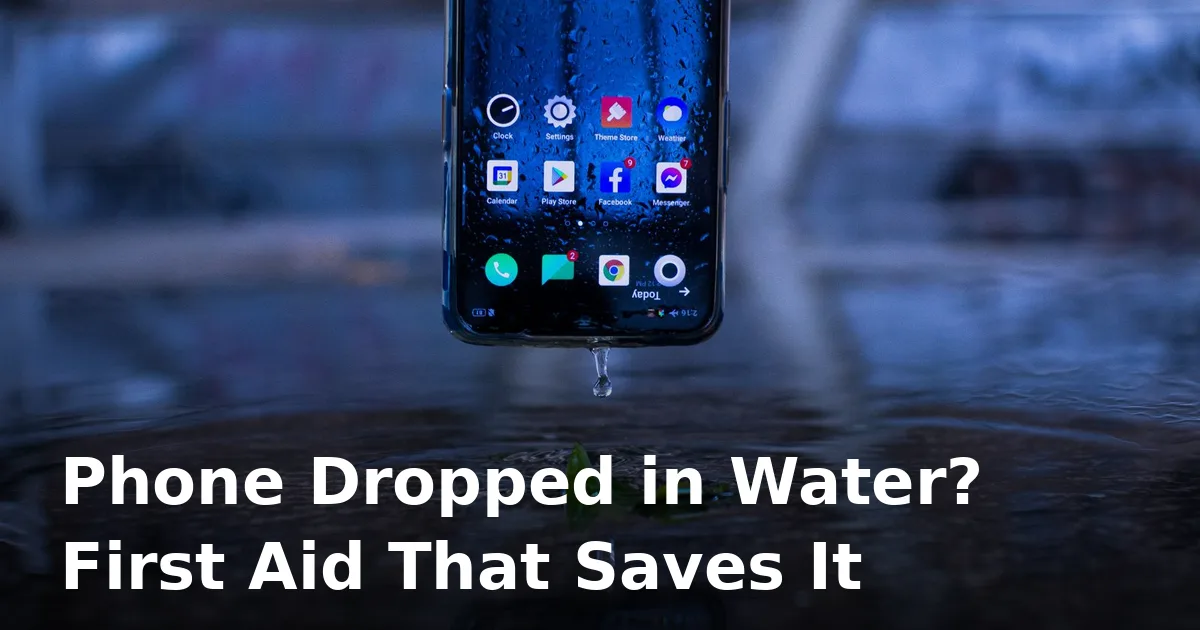
The first 60 seconds decide everything
Every second your phone sits powered-on in liquid, corrosion is eating at the tiny contacts inside. A phone that gets proper first aid in the first minute has a very good chance of full recovery. One that sits in a bag “drying out on its own” often doesn’t. Here’s exactly what to do — in order.
1. Get it out and power it OFF — now
Fish it out immediately, then hold the power button and switch it off. Don’t tap the screen to “check if it still works” — every tap runs current through wet circuits and raises the risk of a short. If it was off when it went in, leave it off.
2. Strip it down
Remove the case and pop the SIM tray out (eject tool or a paperclip). The tray opening gives trapped water another way out and improves airflow. Lay the phone with the ports facing down on a dry, lint-free towel so gravity helps.
3. Dry the outside properly
Pat — don’t rub — with a microfibre cloth. Rubbing pushes water deeper into seams. A few short bursts of compressed air, held at a distance, help blow droplets out of the speaker grille holes. Don’t blow into the phone with your mouth — breath moisture just adds more water.
4. NEVER do these four things
- Don’t charge it. The biggest killer. Plugging in a wet phone sends current straight into damp contacts. Wait at least 24 hours, ideally 48.
- Don’t use a hair dryer or heat. Hot air warps adhesives, damages the battery, and pushes moisture deeper. A cool room fan from a distance is fine; a radiator is not.
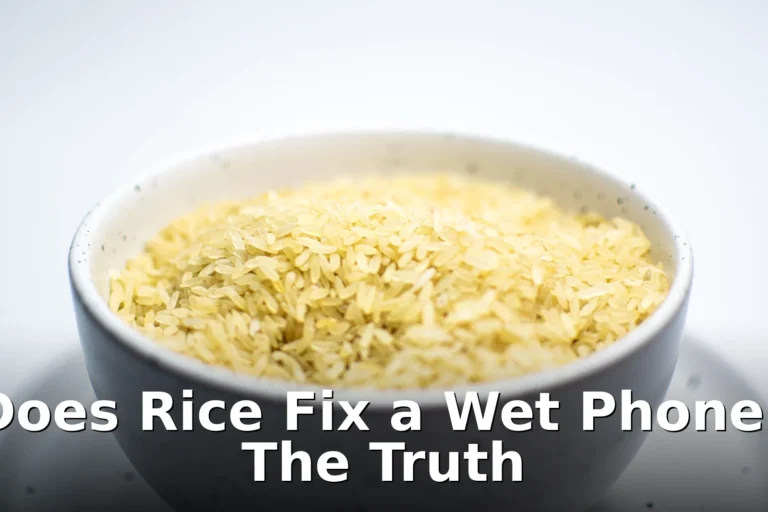
- Don’t bury it in rice. Rice is slow, does almost nothing for trapped internal moisture, and starch dust contaminates ports. Silica gel packets (the sachets in shoe boxes) are far better.
- Don’t shake it violently or press buttons. Shaking spreads water to dry parts of the board; pressing buttons pushes water past seals.
5. Eject water from the speaker
Once the outside is dry, use a water-eject sound: a low-frequency tone at maximum volume physically shakes droplets out of the speaker grille. Hold the phone speaker-down, run 30–60 second cycles a few times, and pat away droplets that emerge. Our guide to ejecting water from a phone speaker walks through the full method.
6. Wait 24–48 hours
This is where most people fail — they power on too early. Leave the phone in a dry, ventilated spot, upright with the ports down.
7. Power on — with a backup plan
When you’re confident it’s dry, power it on. If it boots, immediately back up your photos and data — water-damaged phones can work for weeks then fail as corrosion creeps. If the speaker sounds muffled, run the water-eject sound a few more cycles.
When it’s beyond first aid
Salt water, chlorinated pool water, and sugary drinks are far more corrosive than fresh water and need professional cleaning fast. If the phone won’t boot, the screen flickers, or it gets hot — stop and take it to a repair shop, mentioning exactly what liquid it met. Check the liquid-contact indicator in the SIM tray slot (turns red/pink when wet) — it tells the shop how deep the exposure was. For persistent speaker issues after a dunking, see phone speaker not working after water.
Frequently asked questions
Will my phone fix itself if I just leave it alone?
Sometimes, for a light splash. But trapped moisture keeps corroding contacts quietly, and a phone that “recovered” can fail weeks later. Five minutes of first aid is always worth it.
Is rice really useless?
Mostly. Rice absorbs moisture from the surrounding air very slowly, and starch dust contaminates ports. Silica gel packets work far better, and plain airflow in a dry room beats rice too.
Can I use a hair dryer on the cool setting?
A gentle cool fan from a distance is acceptable, but it tempts you to get close. A desk fan pointed at the phone does the same job with zero risk.
My phone is IP68 — do I still need to do this?
Yes. Water resistance degrades with age, drops, and heat, and IP ratings are tested with clean fresh water in labs. Your toilet, pool, or pint glass doesn’t count.
How long before I can charge it?
A full 24 hours minimum after a light splash, 48 after a real dunking. If the phone warns about moisture in the port, wait longer.
Phone back on but the speaker sounds muffled or crackly? Run the free speaker cleaner to shake the last droplets out.


10 Comments
Comments are closed.