
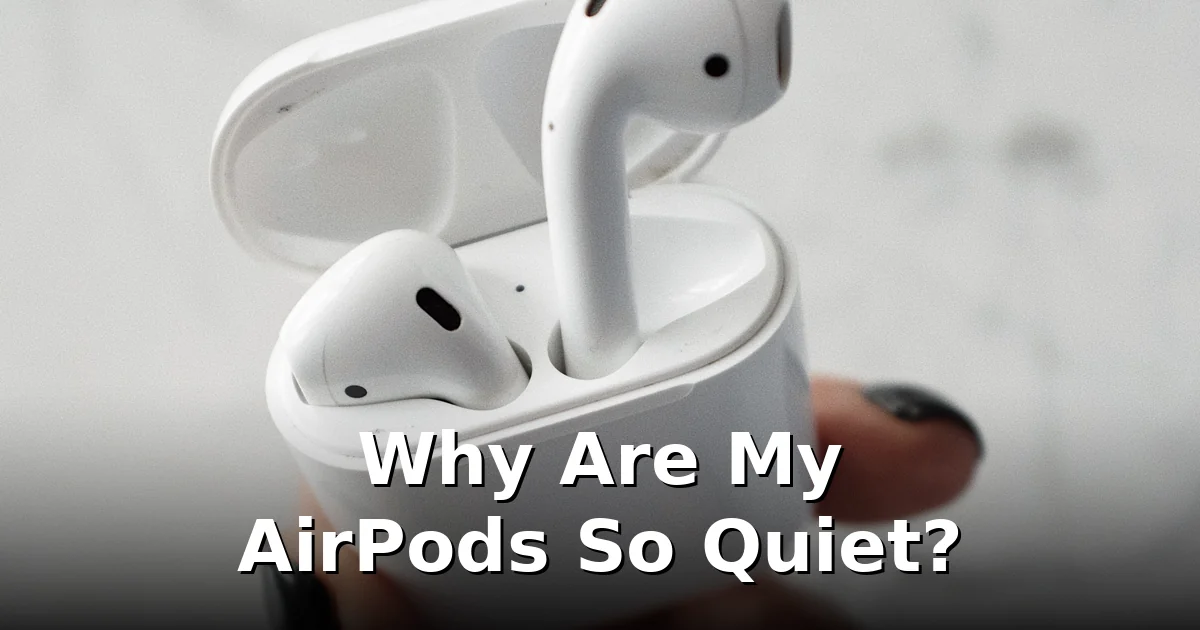
Your AirPods used to be plenty loud, and now you can barely hear a podcast at full volume. Before you assume they’re dying, know this: quiet AirPods are almost always a maintenance or settings issue, not a hardware failure. Work through these seven fixes — most people get their volume back by fix three.
1. Clean the earwax out of the speaker mesh
This is the number-one cause, by a mile. The tiny speaker mesh on each AirPod collects earwax and skin oils over weeks of use until the holes are effectively sealed. The buildup is gradual, so you don’t notice the volume creeping down — until one day it sounds broken.
How to clean them properly:
- Use a dry cotton swab to gently wipe the speaker mesh — light circular motions, no pressure.
- For stubborn wax, a soft dry toothbrush (a clean one) loosens what the swab can’t. Brush lightly across the mesh, not into it.
- A piece of blu-tack or mounting putty pressed gently against the mesh pulls wax out of the holes without pushing it deeper. This is the trick repair shops actually use.
- Wipe the whole bud with a dry microfibre cloth afterward.
Never use water, soap, or sharp objects on the mesh. And skip the “suck on them” method you might see online — it works briefly by pulling moisture through, but it’s unhygienic and can push wax deeper.
2. Check the volume limit and sound settings
Your iPhone has several settings that quietly cap how loud your AirPods can get:
- Reduce Loud Sounds (Settings → Sounds & Haptics → Headphone Safety): if this is on with a low decibel limit, your AirPods can never exceed it. Turn it off or raise the limit.
- Volume limit (Settings → Music → Volume Limit on older iOS): make sure it’s off or set to maximum.
- Sound Check (Settings → Music): this normalizes track volumes and can make everything sound quieter. Try turning it off.
- Headphone Accommodations (Settings → Accessibility → Audio/Visual): if enabled with the wrong tuning, it reshapes the sound in ways that feel like low volume. Turn it off to test.
Also check the simple stuff: press volume-up while audio is actually playing (iPhone keeps separate volumes per output), and make sure Low Power Mode isn’t throttling anything (it shouldn’t affect audio, but rule it out).
3. Reset the Bluetooth connection
Bluetooth audio glitches cause all kinds of volume weirdness — one bud quieter than the other, sudden drops, or a ceiling on max volume that wasn’t there before. Reset the connection:
- Put both AirPods in the case and close the lid for 30 seconds.
- On your iPhone, go to Settings → Bluetooth, tap the i next to your AirPods, and choose Forget This Device.
- With the case lid open, press and hold the setup button on the back until the light flashes amber, then white.
- Re-pair them next to your iPhone.
This clears corrupted Bluetooth profiles, which are a surprisingly common cause of “my AirPods got quiet for no reason.”
4. Check for ear detection and fit issues
If your AirPods think they’re not in your ears properly, they’ll play at reduced volume or pause entirely. Clean the black optical sensors on the inside of each bud with a dry swab — wax on the sensors confuses ear detection.
Fit matters too. If the seal in your ear canal is poor, bass disappears and everything sounds thin and quiet. Try the Ear Tip Fit Test (Settings → Bluetooth → your AirPods → Ear Tip Fit Test) if you have AirPods Pro, and experiment with different tip sizes. A good seal can make the same AirPods sound twice as loud.
5. Balance and mono audio settings
Go to Settings → Accessibility → Audio/Visual and check the balance slider. If it’s been dragged to one side, one AirPod goes quiet while the other stays normal — which reads as “my AirPods are quiet” overall. Centre it. While you’re there, make sure Mono Audio is off (it shouldn’t reduce volume, but it changes the soundstage noticeably).
6. Update the firmware
AirPods update their firmware automatically when they’re in the case near your iPhone — but only if conditions are right, and a stuck old firmware can cause audio bugs. To nudge an update: put the AirPods in the case, connect the case to power, keep your iPhone nearby with Bluetooth on, and leave everything alone for 30 minutes. Check the firmware version at Settings → Bluetooth → your AirPods → Version, and compare with Apple’s published current version.
7. When it’s actually the hardware
If you’ve cleaned the mesh, checked every setting, re-paired, and updated — and they’re still quiet — consider hardware:
- One bud much quieter than the other after cleaning usually means the mesh is damaged or the driver is failing on that side.
- Quiet plus crackling or distortion at all volumes points to a dying driver.
- Water damage — AirPods are sweat-resistant, not waterproof. A soaked pair may never fully recover.
Apple’s battery service can replace individual buds, which is often cheaper than a new pair. But be honest with yourself first: in the vast majority of cases, it’s wax in the mesh. Clean them properly before spending any money.
Keep them loud going forward
- Wipe the buds down after workouts — sweat plus wax is the fastest way to clog the mesh.
- Store them in the case, not loose in a pocket collecting lint.
- Give the mesh a quick dry-brush clean every couple of weeks. Thirty seconds of prevention beats an hour of troubleshooting.
For cleaning the speaker grille with sound rather than tools, our earbuds cleaning page plays cleaning tones designed for earbuds and AirPods — useful for dislodging fine dust the brush can’t reach.
Frequently asked questions
Why did my AirPods suddenly get quiet?
The most common sudden causes are earwax clogging the speaker mesh, the Reduce Loud Sounds limit kicking in after an iOS update, or a corrupted Bluetooth connection. Work through the fixes above in order.
Can earwax permanently damage AirPods?
Wax itself rarely causes permanent damage, but aggressive cleaning can — never poke the mesh with pins or needles, and never use liquids. Gentle dry cleaning is safe.
Why is one AirPod quieter than the other?
Usually wax buildup on one side, or the accessibility balance slider dragged off-centre. Clean both buds and centre the balance slider before assuming hardware failure.
Will resetting my AirPods delete anything?
No. Forgetting and re-pairing only clears the Bluetooth pairing — your Apple ID association and settings are unaffected.
Do AirPods get quieter as they age?
The drivers don’t meaningfully degrade, but batteries do — and heavy wax accumulation over years mimics “wearing out.” A thorough clean often makes old AirPods sound new again.
CTA: Got water or dust in your earbuds instead? Run the free earbuds cleaning tones — no app, no signup, straight from your browser.
One Comment
Comments are closed.