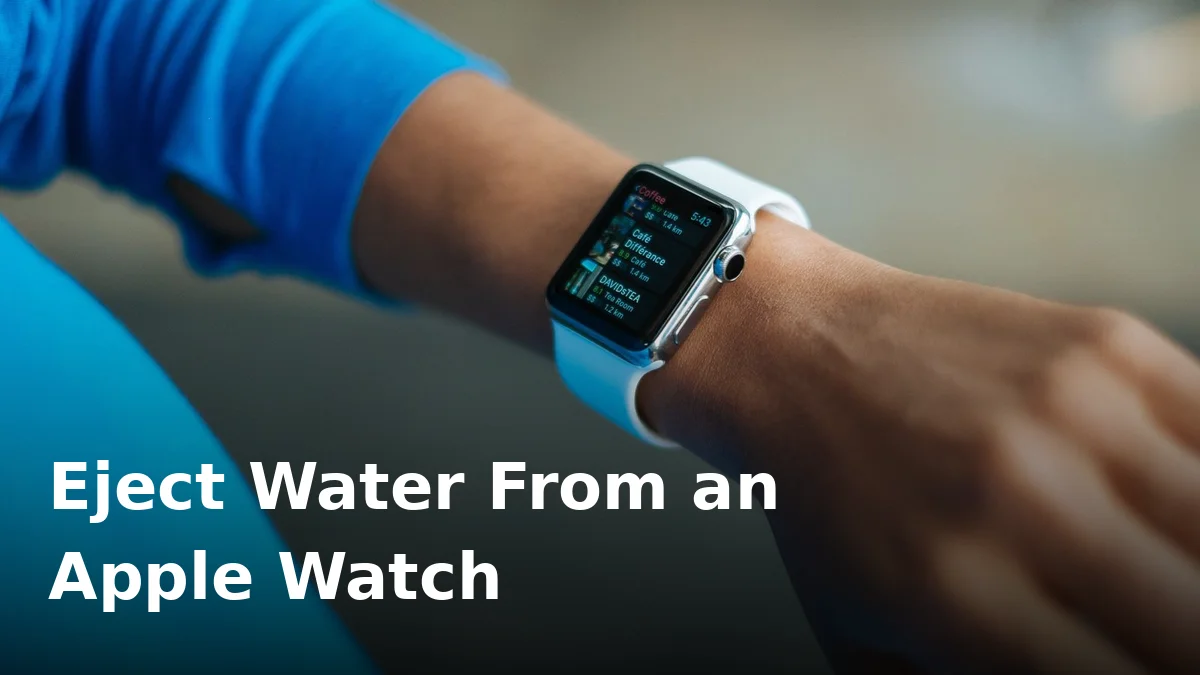
You finished a swim, glanced at your wrist, and your Apple Watch sounds like it’s talking through a glass of water. Notifications are faint, Siri is whispery, calls are barely audible. The good news: this is almost certainly just trapped water, and Apple built a tool specifically for this problem. It’s called Water Lock, and it’s been on every Apple Watch since the Series 2.
Here’s exactly how to use it — and what to do if your Watch is too old to have it.
What Water Lock actually does
Water Lock does two jobs. First, it locks the touchscreen so water can’t accidentally tap or end your workout mid-pool. Second — the part you care about — when you turn it off, the Watch plays a series of specific tones through its speaker that physically vibrate the trapped water out of the speaker cavity.
How to eject water using Water Lock
If you’ve just been swimming, your workout may have turned Water Lock on automatically. The steps are the same either way:
- Wake the Watch and swipe up from the watch face to open Control Centre.
- Tap the water droplet icon to turn Water Lock on — you’ll see the droplet symbol at the top of the watch face. (Skip this if it’s already on.)
- Now turn it off: rotate the Digital Crown until the screen shows “Unlocked”. On older watchOS versions you press and hold the Digital Crown instead — both do the same thing.
- You’ll hear a sequence of tones, and you may feel small droplets land on your wrist. That’s the water being pushed out.
- Still muffled? Repeat two or three more times — it usually takes a couple of rounds after a proper swim.
That’s it. The sound should be back to normal within seconds of the tones finishing. No hairdryers, no rice, no waiting around.
What about older Apple Watches without Water Lock?
The first-generation Apple Watch and the Apple Watch Series 1 don’t have Water Lock at all — and they’re only splash resistant, not swim-proof. If one of these has picked up moisture and the speaker sounds dull:
- Wipe it down with a soft, lint-free cloth, paying attention to the speaker slot on the left side.
- Give it a gentle shake with the speaker side facing the floor.
- Leave it in airflow for several hours before relying on it.
These older models can’t play ejection tones through the speaker on their own, so patience and evaporation do the heavy lifting. If you want to understand what the water resistance ratings actually promise, our guide to phone and wearable IP ratings explains the standards.
Drying and aftercare tips
A few habits that keep your Watch’s speaker healthy long-term:
- Rinse after the pool or the sea. Chlorine and saltwater corrode seals and acoustic membranes over time.
- Wipe, don’t blast. A lint-free cloth is all you need — never a hairdryer or compressed air on the speaker slot.
- Skip the sauna and the steam room, and keep soap, shampoo, and sunscreen away from the Watch — all of them degrade the water seals. Rinse with fresh water after any contact.
- Let it dry before charging. These principles aren’t unique to watches — the same first-aid rules apply to any wet device.
And a word on the Ultra models: the Apple Watch Ultra and Ultra 2 are rated for 100 metres and even recreational diving. But water resistance still fades with age and impacts, so the Water Lock routine matters for them too.
When to worry
Water Lock fixes the overwhelming majority of muffled-speaker cases. Get the Watch looked at if:
- The speaker still sounds distorted or silent after several ejection cycles and a full day of drying.
- You can see moisture or fogging under the display.
- The touchscreen behaves erratically when dry.
- The Watch got soaked in something worse than water — saltwater for hours, hot tub chemicals, or a hot drink — which can damage seals and internals beyond what drying fixes.
Persistent distortion after everything is dry usually means the speaker membrane or the seal behind it is compromised, and that’s a repair-shop job rather than a DIY fix.
Frequently Asked Questions
Do I need to turn Water Lock on before swimming?
It’s good practice, and it locks automatically when you start a swimming workout. Turning it on manually before any water exposure also stops accidental screen taps. Either way, remember to unlock it afterwards so the ejection tones run.
Is it safe to run the ejection tones multiple times?
Yes. Apple designed the speaker to play these tones repeatedly — many swimmers run two or three cycles after every pool session.
My Apple Watch Series 1 sounds muffled — can I use Water Lock?
No — the Series 1 and the original first-generation Apple Watch don’t have Water Lock. Wipe it down, shake it gently speaker-side-down, and let it air-dry. If it was fully submerged, get it checked: these models were never rated for swimming.
Can I use a third-party water-ejector website on my Apple Watch?
You don’t need to — Water Lock is purpose-built for the Watch’s speaker and far more effective than a generic tone. Third-party ejector tools are really for phones and devices that don’t have a built-in feature.
Why does my Watch sound worse right after unlocking Water Lock?
That’s normal for a few seconds. The tones have loosened the water but a droplet can still be sitting on the membrane. Run another cycle and the sound should clear completely.
Back to full volume in seconds
Water Lock is one of the cleverest features on the Apple Watch — use it after every swim and your speaker will thank you. For phones and other gadgets that don’t have a built-in ejector, our free speaker water-ejector tool does the same job in about a minute.