
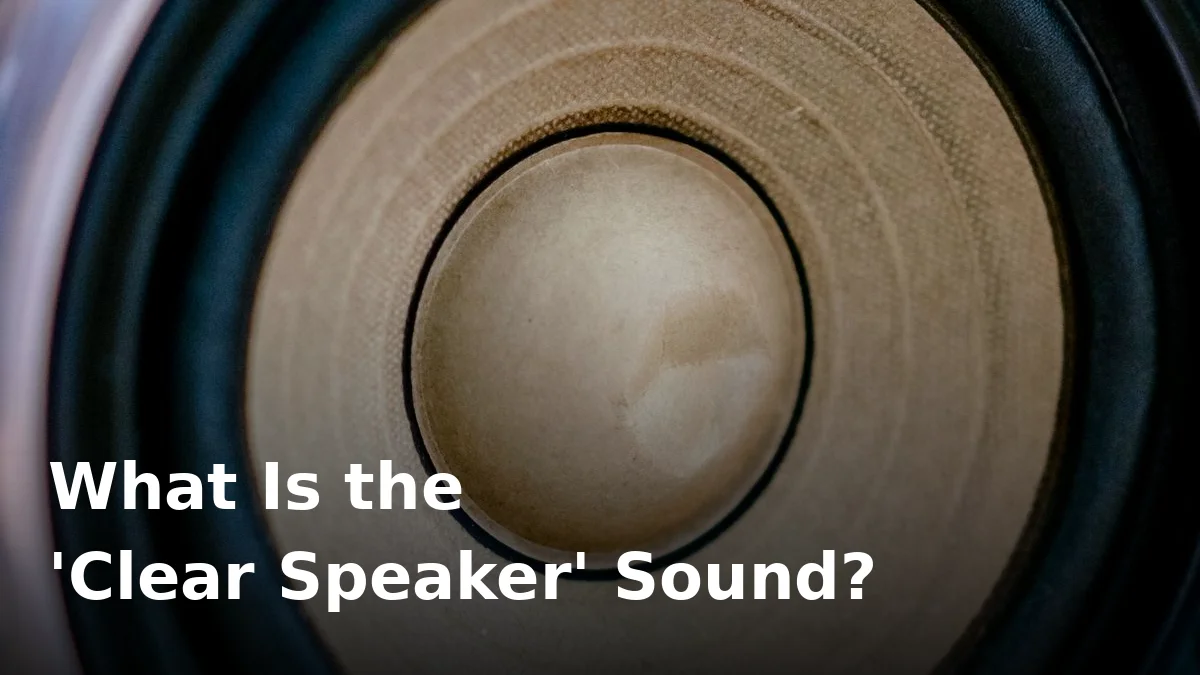
You’ve probably seen the phrase “clear speaker” on water-eject websites and wondered what it actually means. Is it a real thing, or just marketing? The short answer: it’s a real technique — a specific kind of sound that uses your phone’s own speaker to physically push trapped water out.
Let’s break down exactly what the clear speaker sound is, how it works, and how to use it safely.
What does “clear speaker” mean?
“Clear speaker” is the name many water-eject tools give to a specially designed audio tone that clears water, dust, and debris from a phone speaker. It’s not a song and it’s not a random loud noise — it’s usually a low-frequency sine wave (often around 165 Hz) combined with rhythmic pulses or sweeps.
The idea is simple: sound is vibration, and vibration can move liquid. When the tone plays at the right frequency and intensity, the speaker cone vibrates hard enough to fling trapped droplets out of the speaker mesh.
How does the clear speaker sound work?
Your phone’s speaker produces sound by moving a tiny diaphragm back and forth. At low frequencies with enough volume, those movements become large physical oscillations — the cone is literally pumping air in and out of the speaker grille. Water sitting in that grille gets shaken loose and ejected by the airflow.
Three things make it effective:
- Low frequency: Tones around 100–200 Hz move the cone the most. High-pitched tones barely move it at all.
- High volume: Maximum volume drives the cone harder, creating stronger air displacement.
- Pattern: Pulses, sweeps, and alternating tones work better than a single constant tone, because the changing vibration dislodges droplets that settled into corners.
This is the same principle behind the water-eject feature built into the Apple Watch — Apple simply plays a specific sound to vibrate water out of its speaker.
Is the clear speaker sound the same as 165 Hz?
They’re closely related. The 165 Hz tone is the most popular single-frequency version of a clear speaker sound — it’s the frequency many tools use because it’s a sweet spot: low enough to move the cone powerfully, but not so low that cheap phone speakers distort. Dedicated clear speaker tools often layer a 165 Hz tone with pulse patterns or frequency sweeps to boost the effect. For a deep dive into that specific frequency, see our guide to the 165 Hz speaker cleaner sound.
How to use a clear speaker sound to remove water
- Power off any connected Bluetooth devices so the tone plays through the phone’s own speaker, not your earbuds or a nearby speaker.
- Remove your phone case — a case can trap the ejected water and muffle the vibration.
- Turn the volume to maximum. The tone needs full power to move the cone hard enough.
- Hold the phone with the speaker facing down so gravity helps the water escape.
- Play the clear speaker sound for 30–60 seconds. Repeat 2–3 times, shaking the phone gently between rounds.
- Pat the speaker dry with a soft cloth and let the phone air-dry for a while afterwards.
You can run the tone right now on our free speaker cleaner tool — no app or download needed.
Can a clear speaker sound damage my phone?
Used normally, no. Phone speakers are designed to play loud sounds — that’s literally their job. However, a few precautions are worth following:
- Don’t play water-eject tones at max volume for many minutes on end. Short bursts (30–60 seconds) are the intended use. Sustained maximum-volume playback for very long periods adds unnecessary stress to the speaker.
- Don’t crank the volume if the speaker is already crackling or damaged. If your speaker sounds distorted at normal volume, the tone won’t fix it — check whether your speaker is blown first.
- Don’t use it with water-damaged electronics that won’t turn on. If the phone is dead, a sound-based fix can’t help; power it down and seek repair.
What the clear speaker sound can’t fix
The tone only moves water and loose debris. It won’t help with:
- Salt water corrosion — salt leaves conductive residue that keeps causing problems long after the water is gone. Read our salt water in phone speaker guide if this applies to you.
- A clogged charging port — sound won’t clear the Lightning or USB-C port; that’s a separate job.
- Hardware failure — a genuinely blown speaker needs a repair, not a tone.
Frequently Asked Questions
Is the clear speaker sound the same as the water eject sound?
Essentially, yes. “Clear speaker” is the friendlier name some tools use for the same low-frequency tone that water-eject apps and websites play to push water out of a phone speaker.
What frequency does the clear speaker sound use?
Most use a base tone around 165 Hz, sometimes layered with pulses or sweeps between 100 and 500 Hz. The exact pattern varies by tool, but the low-frequency vibration is what does the work.
How long should I play the clear speaker sound?
30–60 seconds per round, 2–3 rounds, with a gentle shake between rounds. If the sound is still muffled after that, let the phone air-dry for a few hours and try again.
Can I use a clear speaker sound on earbuds?
We don’t recommend it. Earbud drivers are far more delicate than phone speakers, and blasting a max-volume tone into your ears is a real hearing risk. This technique is for phone speakers (and tablets), not in-ear devices.
Does the clear speaker sound work on any phone?
It works on virtually any phone with a bottom or side-firing speaker — iPhone, Samsung, Xiaomi, and everything else. It also works on tablets with built-in speakers.
Try it now
If your phone speaker sounds muffled or quiet after getting wet, don’t wait for it to air-dry on its own. Run the free clear speaker tone at FixMyPhoneSpeaker and push that water out in under a minute.

2 Comments
Comments are closed.