
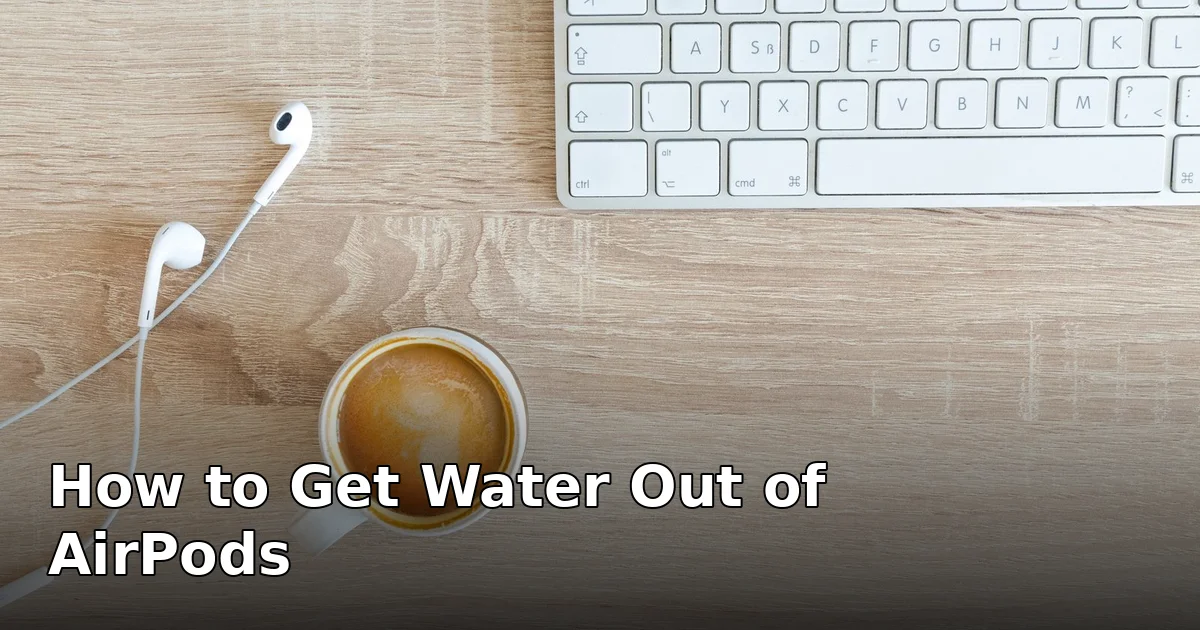
First: Stop and Dry Them
Your AirPods just went for a swim — in a pocket through the wash, into a puddle, or off the table into a drink. The most important thing you can do in the first minute is also the simplest: take them out of your ears, wipe them dry with a soft cloth, and do not put them back in the charging case yet. A wet AirPod in a closed case traps moisture against the charging contacts, and charging a wet AirPod is the one mistake that can turn a recoverable dunking into permanent damage.
Shake each bud gently, speaker mesh facing down, to flick out any visible droplets. Then leave them out in the open air, mesh down, on a dry cloth. If the case got wet too, wipe it out and leave the lid open. Do not plug anything in until everything feels completely dry to the touch.
Can AirPods Survive Water?
It depends on the model and how wet they got. Most AirPods Pro and recent AirPods carry an IPX4 rating, which means they resist splashes and sweat — not submersion. A brief splash is usually survivable; a full cycle in the washing machine is a much harder test. The good news is that AirPods have no exposed speaker grille the way a phone does — the mesh is small and the internal space is tiny — so water often sits on the surface rather than deep inside. Our AirPods water resistance guide breaks down exactly what each model’s rating does and does not cover.
Use a Water-Eject Tone to Push Water Out
Once the outside is dry, a water-eject tone is the best tool you have. It works the same way it does on a phone speaker: a low-frequency sound vibrates the tiny driver and pushes trapped water out through the mesh.
- Connect the AirPods to your iPhone and put them in your ears at a moderate volume — loud enough to feel the vibration, not so loud it hurts or distorts.
- Open our free speaker cleaner tool on your phone and run the cleaning tone for a few cycles. You should see tiny droplets appear at the mesh — wipe them away between cycles.
- Repeat two or three times, wiping each time, until no more droplets appear.
Keep the volume moderate throughout. Blasting a water-eject tone at maximum volume into a waterlogged driver is a good way to damage it — the vibration that clears the water is also mechanical stress on the speaker. If you want to understand what the tone is actually doing, our clear speaker sound explainer covers the physics in plain English.
Let Them Air-Dry Fully
After the tone cycles, give the AirPods real drying time — at least a few hours in open air, and overnight if they were genuinely submerged. A couple of silica gel packets in a small open container nearby can help; they absorb ambient moisture without any of the risks of the old rice trick. Do not seal the AirPods in a bag with the silica gel, and do not use heat to speed things up. If they still sound muffled after drying, run one more gentle tone cycle — sometimes the last film of moisture only clears once the mesh is fully dry.
What NOT to Do With Wet AirPods
- Do not put them in rice. Rice dust gets into the mesh and the charging contacts, and rice is a poor desiccant anyway. It creates a second problem on top of the water.
- Do not use a hair dryer. Hot air can warp the plastic, damage the battery, and push water deeper into the bud. Cool air from a distance is acceptable, but patience works better.
- Do not charge them while wet. Water on the charging contacts can short the case or corrode the pins. Wait until everything is dry, then check the contacts for any green or white residue before charging.
- Do not poke the mesh with anything sharp. The speaker mesh on an AirPod is delicate; a pin will tear it and leave you with a permanently rattly bud.
- Do not shake them violently. A gentle flick is fine. Hard shaking can drive water further in and stress the internal components.
One Bud Working, One Dead?
This is common after water exposure, and it does not automatically mean the dead bud is finished. Dry both buds fully, clean the charging contacts in the case with a dry cotton swab, and place both buds in the case for a full charge. Then forget the device in Bluetooth settings and re-pair. If one bud stays silent after all that, the driver or battery in that bud is likely damaged — Apple sells single replacement buds, which is usually cheaper than a whole new set. If the sound is merely quiet rather than absent, our quiet AirPods fixes cover earwax, volume limits, and balance settings that often explain the difference.
Frequently Asked Questions
Can I use the water eject shortcut on AirPods?
The iPhone water-eject shortcut plays a tone through the phone’s own speaker, not through connected AirPods. Use a web-based cleaning tone played through the AirPods themselves, at moderate volume, as described above.
How long do AirPods take to dry out?
Surface water clears in minutes, but internal moisture can take hours. Allow at least a few hours in open air, and overnight after a full submersion, before charging or judging the sound.
Does Apple cover water damage on AirPods?
No — Apple’s warranty does not cover liquid damage. AppleCare+ for Headphones does cover accidental damage, including water exposure, for a service fee. Without it, a single replacement bud is the economical fix.
Can I swim with AirPods Pro?
No. IPX4 means splash and sweat resistance only. Swimming, showering, and water sports exceed the rating and will eventually kill them, even if they survive the first time.
Why do my AirPods sound muffled after getting wet?
Water trapped in the speaker mesh blocks sound the same way a finger over a speaker does. A water-eject tone plus full air-drying clears it in most cases; if muffling persists after 24 hours of drying, the mesh or driver may be damaged.
Is it safe to use a water-eject tone on AirPods?
Yes, at moderate volume and for short cycles. Avoid maximum volume, which can stress a wet driver, and stop if you hear distortion — that is a sign to dry longer before trying again.
Wet AirPods are usually salvageable if you act fast and resist the urge to charge them or blast them with heat. Dry them, run a gentle cleaning tone, give them time, and test before you spend anything — most of the time, that is all it takes. Try the free speaker cleaner to run the tone now.

One Comment
Comments are closed.