
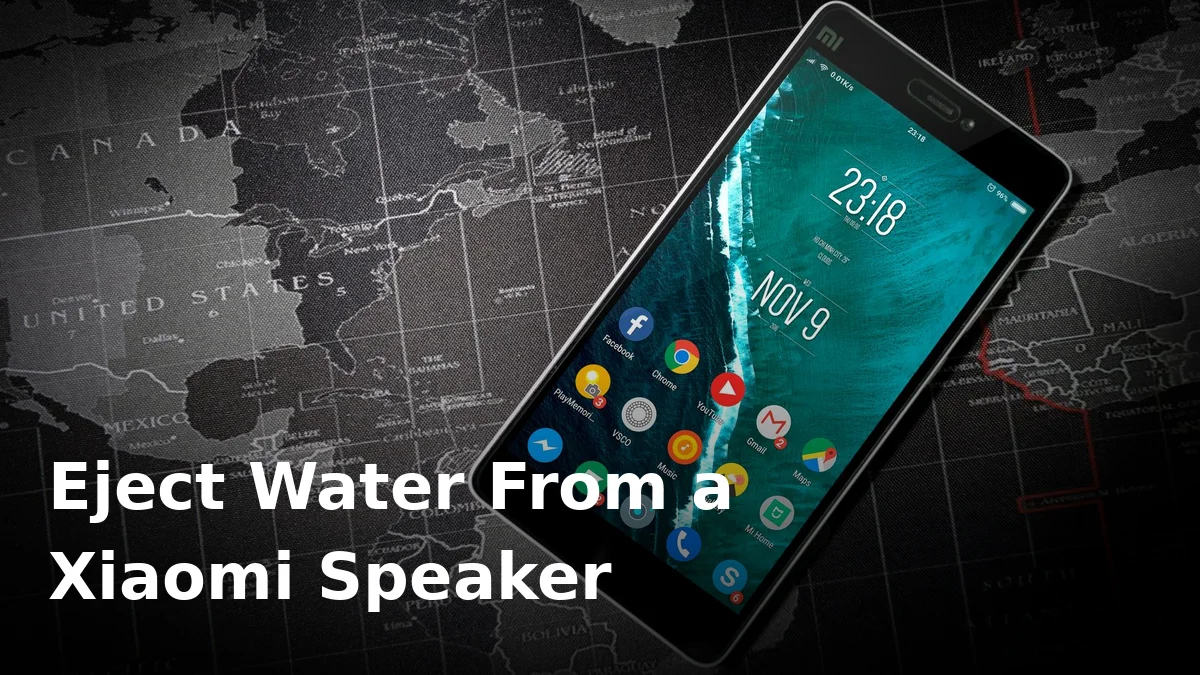
Your Xiaomi took a splash — the sink, a spilled drink, a rainstorm — and now everything sounds like it’s playing through a wet towel. Don’t panic. Unlike an Apple Watch, your Xiaomi doesn’t have a built-in “Water Lock” that shakes the speaker dry for you, but you can still eject the water yourself with a bit of patience and the right technique.
Here’s how, step by step. (Everything below applies to Xiaomi, Redmi, and POCO phones — they share the same hardware layout and software family.)
Step 1: Do the boring first-aid first
Before you try to fix the sound, protect the rest of the phone:
- Power the phone off. A wet circuit under load is what actually kills phones, not the water itself. Give the internals the best chance by switching it off for a while.
- Don’t plug in the charger. If there’s moisture in the USB-C port, HyperOS will usually show a moisture warning and refuse to charge — that’s the phone protecting itself, not a fault. Don’t try to force past it. For more on what to do right after any dunking, see our phone water first-aid guide.
- Take off the case and wipe the outside dry with a soft cloth, paying attention to the speaker grille along the bottom edge.
Xiaomi phones aren’t sealed like submarines: even models with an IP rating lose that protection gradually through drops and age, and the warranty never covers liquid damage.
Step 2: Let gravity help — gently
Hold the phone with the bottom edge (where the speaker sits) pointing at the floor and give it a few firm, short wrist flicks — you’re encouraging the bigger droplets to fall out of the grille, not rattling anything loose.
Whatever you do, don’t take a pin or needle to the speaker grille. The mesh protects a delicate diaphragm, and one puncture turns a water problem into a hardware replacement.
Step 3: Eject the remaining water with sound
Gravity alone won’t clear a speaker grille completely. Water clings to the mesh and the diaphragm, and that’s where a dedicated ejector tone comes in. Specific low-frequency tones vibrate the diaphragm hard enough to throw trapped droplets free — it’s the same principle Apple uses in the Apple Watch, just done manually.
Here’s how to do it with our free tool:
- Dry the outside of the phone as best you can first.
- Turn the volume all the way up and make sure Do Not Disturb is off.
- Open our speaker ejector, keep the phone with the speaker facing downwards, and play the water-eject tone.
- Let it run for 30–60 seconds. You may hear crackling or sputtering — that’s the sound of water being pushed out, not damage.
- Wipe the grille with a cloth and repeat once or twice if it still sounds off.
Most phones improve noticeably after the first couple of cycles.
Step 4: Dry it out properly
Even after the speaker sounds fine, moisture can linger inside the frame. Let the phone sit switched off in a warm, well-ventilated spot for 24–48 hours. Silica gel packets are ideal; a bowl of uncooked rice is not — rice barely absorbs airborne moisture and its starch dust can gum up your ports. (We’ve covered why rice doesn’t fix a wet phone in detail.)
A fan or gentle room-temperature airflow is genuinely useful. What isn’t: a hairdryer on hot, a radiator, or direct sun — heat can warp adhesives, damage the battery, and crack the seals that were keeping the rest of the water out.
What NOT to do
- Don’t charge it while there’s a chance of moisture in the port. HyperOS moisture detection exists for a reason, and other brands do the same — Samsung’s moisture-detected warning works on exactly the same principle.
- Don’t blow into the speaker, use compressed air at close range, or shake the phone violently — breath is damp, air blasts drive water deeper, and hard knocks damage internals too.
Frequently Asked Questions
Does my Xiaomi have a built-in water ejector like Apple Watch?
No — Xiaomi phones have no Water Lock equivalent, which is why you’ll need a manual method like the sound-eject tool described above.
How long until the speaker sounds normal again?
Often within minutes of ejecting the water with sound. But give the phone a full day or two of drying before you consider it fully recovered, especially if it was properly submerged.
The HyperOS moisture warning won’t go away — what now?
It means the USB port still detects dampness. Leave the phone in airflow, port facing down, for several more hours. Don’t try to override it with a charger — the warning is protecting your battery and board.
Can water damage the speaker permanently?
It can, if corrosion sets in or the diaphragm’s coating is compromised — but in most splash and dunk cases, the muffled sound is just trapped water and clears completely. If distortion persists after a few days of drying, the speaker itself may need a look from a repair shop.
Will a Redmi or POCO need anything different?
No. Redmi, POCO, and Xiaomi phones all run the same software family and use very similar speaker hardware. Every step in this guide applies to all three brands.
Give your speaker a proper clear-out
Got a Xiaomi, Redmi, or POCO that sounds like it’s underwater? Run it through our free speaker water-ejector tool right now — it takes a minute, costs nothing, and most muffled speakers come back to life on the first try. For everything else speaker-related, head to FixMyPhoneSpeaker.
One Comment
Comments are closed.