
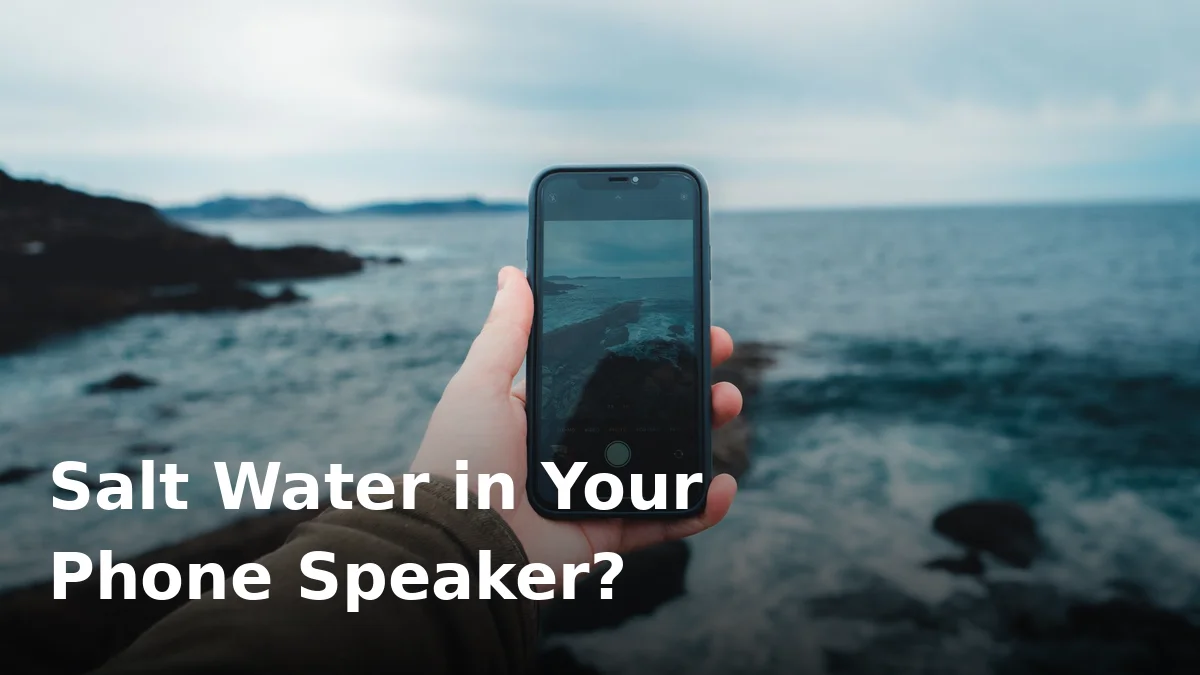
A splash of tap water on your phone is annoying. A dunk in the sea is a different problem entirely. Salt water doesn’t just muffle your speaker — it starts corroding the metal contacts inside within hours, and the damage continues even after the phone looks dry.
If your phone just took a swim in the ocean, speed matters more than technique. Here’s what to do, in order, and what to avoid.
Why Salt Water Is So Much Worse Than Fresh Water
Fresh water is mostly a drying problem. Salt water is a chemistry problem:
- Salt is conductive and corrosive. It attacks the metal mesh over the speaker, the charging contacts, and the tiny solder joints on the circuit board.
- The damage continues after drying. When salt water evaporates, it leaves crystals behind that keep pulling moisture from the air and corroding metal for days.
- Charging a salty phone is dangerous. Salt residue across charging contacts can short-circuit or permanently kill the port.
This is why the standard “dry it out and play an eject sound” routine isn’t enough for seawater — you have to get the salt out first.
Step 1: Get the Salt Out (the First 5 Minutes)
Counterintuitive but critical: rinse the phone with clean fresh water. Yes, you’re putting more water on a wet phone — but fresh water washes away the salt, and salt is the bigger enemy.
- Get the phone out of the sea immediately and power it off if it’s still on.
- Remove the case and pop out the SIM tray so water has a way to escape.
- Rinse gently under a tap or with a bottle of clean water for 20–30 seconds, focusing on the speaker grille, charging port, and buttons.
- Shake the phone gently, speaker-side down, to flick out loose water. Don’t shake violently — you’ll spread moisture deeper inside.
- Pat everything dry with a soft, lint-free cloth.
No fresh water at the beach? Do steps 1, 2 and 4 now, and rinse as soon as you can. Every hour the salt sits there matters.
Step 2: What NOT to Do
- Don’t plug in the charger. If you get a moisture warning or the port looks wet, leave it alone for at least 24–48 hours. Charging through salt residue is how ports die.
- Don’t use a hair dryer on hot. Heat can warp seals and push moisture deeper. Cool air from a distance is fine; hot air is not.
- Don’t poke the speaker grille with a pin, toothpick, or SIM tool. You’ll tear the protective mesh, and then water and dust get a direct path inside.
- Don’t bury it in rice. Rice is slow, dusty, and does nothing about salt corrosion. Our full breakdown explains why the rice trick is mostly a myth.
Step 3: Dry It Out Properly
Stand the phone upright, speaker and charging port facing down, in a dry, ventilated spot. If you have silica gel packets (the little sachets from shoe boxes), seal the phone in a bag with several of them — they pull moisture far faster than rice.
Give it 24 to 48 hours before charging. If your phone shows a moisture-detected warning, respect it — the port isn’t safe yet.
Step 4: Push the Remaining Water Out With Sound
Once the phone is dry and the salt is rinsed away, lingering muffling is usually trapped droplets in the speaker chamber. Low-frequency tones vibrate the speaker membrane and physically push water out.
Run our free water eject tool for a few cycles and check whether the sound clears up. Our explainer on whether the water eject sound really works covers what to expect.
Signs the Salt Already Did Damage
If any of these show up after drying, corrosion may have taken hold:
- The speaker still sounds muffled or distorted after multiple eject cycles.
- Green or white crusty residue around the charging port or speaker grille.
- The phone charges intermittently, or only at certain cable angles.
- Buttons feel sticky or unresponsive.
At this point, see a repair shop and ask them to check for corrosion on the speaker contacts — cheap to fix early, expensive once it spreads to the board. Don’t keep running eject sounds hoping it’ll fix hardware; know how to tell if your speaker is actually blown.
Keep It From Happening Again
Beach days and phones are a bad combination, but a few habits help:
- Use a waterproof pouch if the phone will be near the sea or a pool. They’re cheap and they work.
- Know what your phone’s IP rating actually means — “water resistant” is not “waterproof,” and no rating covers salt water.
- If the phone gets splashed, a quick fresh-water rinse right away prevents 90% of corrosion problems.
Frequently Asked Questions
Can salt water permanently damage a phone speaker?
Yes, it can. Salt corrodes the metal mesh and contacts, and once corrosion eats through a contact or the speaker coil, no amount of drying or sound ejection will bring it back. Fast rinsing is the difference between a scare and a repair bill.
Should I rinse my phone with tap water even if it’s waterproof?
Yes — a gentle rinse is exactly what you should do. IP-rated phones are designed to survive brief fresh-water exposure, and removing the salt is far more important than keeping the phone “dry.”
How fast does corrosion start?
It can begin within hours in warm, humid air. That’s why rinsing at the beach matters more than any drying trick you do later at home.
Does the rice trick work for salt water?
No. Rice absorbs some moisture slowly, but it does nothing about salt, and the starch dust can actually clog the speaker mesh further. Silica gel is far better for the drying stage.
Will a water eject sound remove the salt?
No — sound ejection moves liquid water, not salt crystals or corrosion. Rinse the salt out first, dry the phone, and only then use the eject tone for leftover droplets.
Got seawater in your speaker? Rinse it with fresh water now, let it dry fully, then run our free speaker cleaner to push out the remaining moisture. It takes two minutes and it might save your speaker.
7 Comments
Comments are closed.