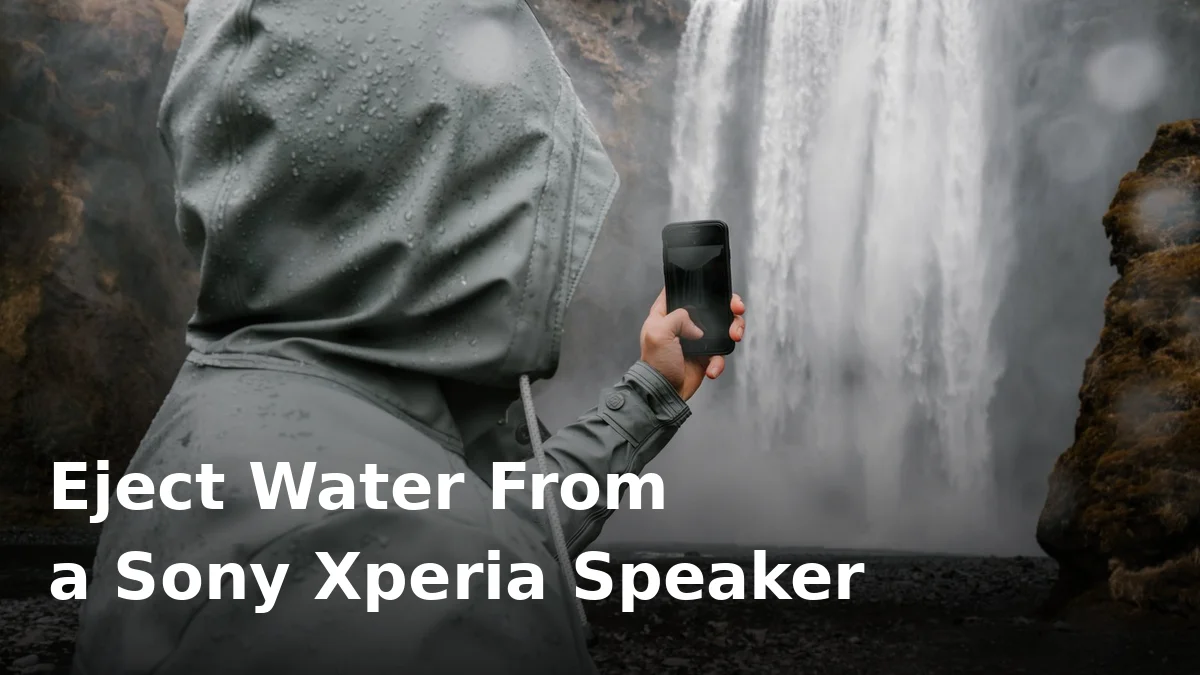
Your Xperia has just been for a swim, and now everything sounds like it’s coming through a wet towel. Don’t panic — this is one of the most fixable phone problems there is, and in most cases you can sort it yourself in a few minutes. Sony doesn’t build a water-eject feature into Xperia phones, so there’s no button to press, but a simple tone played through the speaker does the same job: it vibrates the trapped water loose so it can drain out of the grille.
The method below works for the Xperia 1, 5 and 10 series, and for older models too. It takes patience rather than force, and the golden rule throughout is simple: be gentle with the phone, and don’t rush it back into use before it’s properly dry.
First, do these 30-second checks
Before you play any sound, get the obvious stuff out of the way. Take the case off — cases trap a surprising amount of water against the grille and the charging port, and the speaker can’t drain while it’s sealed in. Give the phone a wipe with a soft, lint-free cloth, paying attention to the speaker grilles.
On most modern Xperias the main speaker sits on the bottom edge, and because Sony sticks with front-facing stereo speakers, there’s also an earpiece speaker at the top of the display. Water can sit in both grilles, so wipe both, then hold the phone with the bottom edge pointing down and give it a gentle tilt so any loose droplets can run out on their own. Don’t shake it hard or tap it against your hand — that just drives water deeper.
If the phone went into a pool, the sea or anything other than clean water, the advice is the same, but read the section on salt water below before you do anything else. And whatever happened, do not plug in a charger yet. Charging while the USB-C port is wet risks corrosion and, in the worst case, damage to the port itself. If you’re worried about the port specifically, our guide to getting water out of a charging port walks through that separately.
Use a browser tone to push the water out
This is the part that actually clears the speaker. A water-eject tone is a low-frequency sound, usually somewhere around 150–165 Hz, that makes the speaker diaphragm vibrate strongly enough to shake trapped droplets loose. Since Xperia phones have no built-in version of this, you’ll use a free browser tool instead — no app to install, and nothing to download.
Here’s the process, step by step:
- Turn your volume all the way up. The tone needs to be loud to work.
- Hold the phone with the speaker grille facing down, over a towel or the sink, so gravity helps the water escape.
- Play the tone for 30 to 60 seconds.
- Stop, wipe the grille dry, and listen to how the speaker sounds.
- Repeat for two or three cycles, wiping between each one.
You should notice the sound improving with each round. The first cycle often pushes out the most water — you may even see droplets appear at the grille — and later cycles clear the last of it. If the sound is already back to normal after one or two rounds, you can stop there; there’s no benefit in running it ten times.
A normal eject tone at full volume in short bursts won’t damage the speaker — see is water eject sound safe for why.
Dry it properly afterwards
Getting the sound back is only half the job. The phone still needs to dry fully, especially if it was submerged. Leave it in a well-ventilated spot at room temperature, speaker side down on a dry towel, and give it several hours. For a full dunking, overnight is the sensible target — not because the speaker needs that long, but because moisture elsewhere in the phone, particularly around the charging port and SIM tray, takes longer to clear.
Don’t use a hair dryer: concentrated heat can warp seals, damage the battery and push water further inside — see why a hair dryer is a bad idea for a wet phone speaker. Don’t bury the phone in rice either — rice dust gets into the grilles and ports, and airflow dries it faster anyway.
Only plug in a charger once you’re confident the port is dry. If the phone shows a moisture warning, take it seriously and wait — the warning is there to protect the port.
What makes Xperia phones a little different
Sony’s approach to water resistance is genuinely good, but it’s widely misunderstood, and that misunderstanding causes problems. Many Xperia 1 and 5 series phones carry an IP65/68 rating, which sounds like a promise that water can’t hurt them. It isn’t. An IP rating is a lab test result for a brand-new phone under controlled conditions: fresh water, specific depths, limited time. It is not a guarantee, and the seals that earn the rating degrade with everyday use — drops, heat, case friction and plain age all wear them down.
So an Xperia that survived a splash last year can still let water into the speaker this year. Treat the rating as reassurance, not invincibility, and don’t deliberately test it.
The other Xperia quirk is those front-facing stereo speakers. They’re one of the best things about the phone for watching videos, but they do mean there are two grilles where water can sit instead of one. If voices sound muffled on calls but music sounds fine, or the other way round, that’s a clue that only one of the two speakers is still holding water — run the tone cycles again with the affected end pointing down.
If the water was salty, by the way, the stakes are higher: salt corrodes contacts and leaves residue in the grille as it dries. Our guide to salt water in a phone speaker explains the extra rinse and drying steps worth taking.
What never to do
Never poke anything into the speaker grille — no pins, needles, toothpicks or SIM ejector tools. The mesh and the speaker behind it are delicate, and one poke can turn a free fix into a repair bill.
Don’t use compressed air at close range either. A short blast from a distance might seem harmless, but up close it can force water past the grille and deeper into the phone, and it can damage the speaker diaphragm itself. Gentle airflow from a room fan is fine; a can of compressed air aimed at the grille is not.
And as mentioned above: no charging while the port is wet, no hair dryer, no rice. The boring, patient approach is boring precisely because it works. For the full first-aid sequence if the phone went fully underwater, see what to do when your phone drops in water.
When to get repair help
Most muffled Xperia speakers clear up within a day. Get professional help if any of the following apply:
- The speaker is still muffled, crackly or distorted after 24 to 48 hours of drying and repeated tone cycles.
- The sound cuts in and out, or one speaker works and the other doesn’t, even after both grilles have been treated.
- The phone shows a persistent moisture warning, won’t charge, or the port looks corroded.
- The phone was submerged in salt water or soapy water and the sound hasn’t fully recovered after cleaning and drying.
- You can see condensation under the camera lens or screen, which suggests water got past the seals and inside the phone.
None of these mean the phone is ruined — a repair shop can usually clean or replace a speaker module at a reasonable cost — but they do mean the problem has gone beyond what a tone and patience can fix.
Frequently Asked Questions
Does Sony Xperia have a built-in water eject feature?
No. Unlike some other brands, Xperia phones have no built-in water-eject sound or setting. You can get the same effect by playing a water-eject tone through a free browser tool, which vibrates the speaker and pushes trapped water out of the grille.
How long does it take for an Xperia speaker to dry out?
For a splash, the sound often clears within minutes of running tone cycles. For a full dunking, expect several hours, and leave the phone drying overnight before judging the result. Only charge it once the USB-C port is fully dry.
My Xperia is IP68 rated, so why is the speaker muffled?
An IP68 rating means the phone passed a lab test when new — it is not a guarantee against water damage, and the seals degrade over time. Water can still get trapped in the speaker grille even on a rated phone, and that trapped water is what muffles the sound until it drains.
Can I use a water eject tone on an Xperia 10 series phone?
Yes. The method works on the Xperia 1, 5 and 10 series alike, since all of them use standard speaker hardware with no built-in eject feature. Just play the tone at full volume with the speaker facing down, and wipe the grille between cycles.
Should I use a hair dryer to dry my Xperia speaker?
No. Concentrated heat can damage seals, the battery and the speaker itself, and it can push water deeper inside the phone. Room-temperature airflow and patience dry the phone safely and just as effectively.
What if only one of my Xperia’s stereo speakers sounds muffled?
That usually means water is trapped in one grille only. Run the tone cycles again with the affected end — bottom edge or earpiece — pointing down, and wipe that grille between cycles. If one speaker stays distorted after a day or two of drying, get it checked by a repair shop.
Try it now
If your Xperia speaker is muffled right now, you don’t need to wait — run the tone cycles, wipe the grille, and let the phone dry properly, and the sound usually comes back on its own. You can start straight away with our free speaker cleaner, which plays the eject tone right in your browser with nothing to install. For the same safe method on other brands, see our guides to ejecting water from a Samsung speaker and ejecting water from a Google Pixel speaker.