
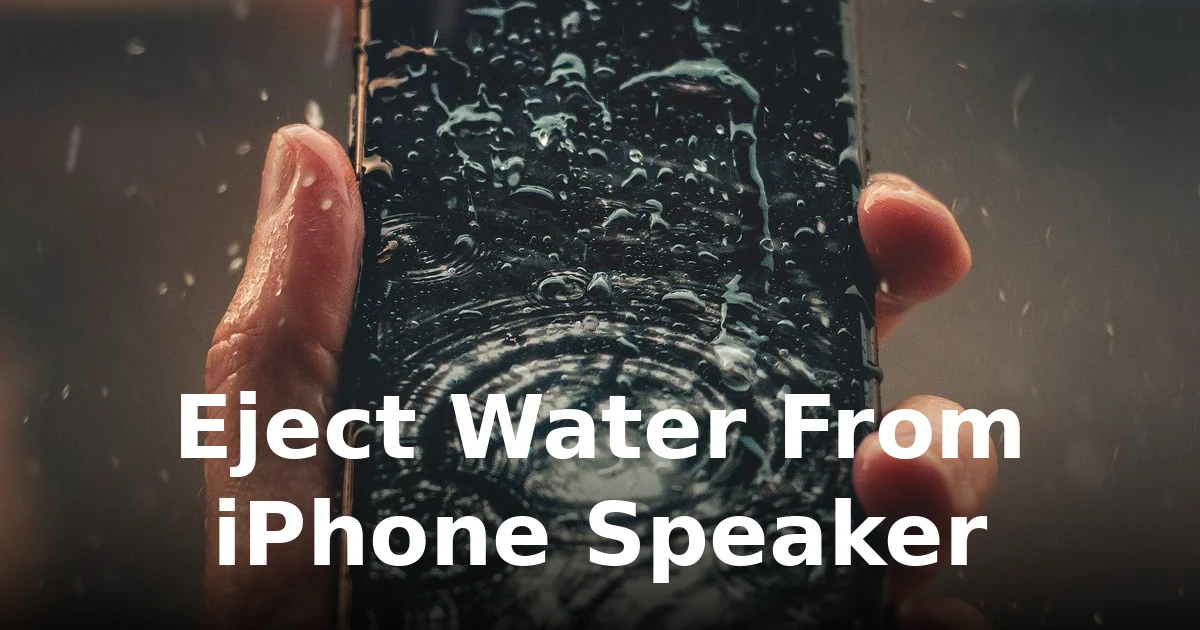
Why iPhone speakers trap water
iPhones from the iPhone 7 onward carry water resistance (IP67/IP68), which means they survive a dunk — but “water resistant” is not “waterproof.” The speaker grilles are fine meshes, and surface tension lets droplets sit right behind the mesh, muffling every call and ringtone until they’re gone. The fix isn’t waiting days — it’s ejecting the water deliberately.
Important: if the iPhone just came out of water, don’t plug in the charger. Charging a wet Lightning or USB-C port risks corrosion and the “liquid detected” warning. Power the phone off, shake out the port gently with the port facing down, and deal with the water before anything else.
Method 1: The Water Eject shortcut
Apple’s Shortcuts app has a well-known “Water Eject” shortcut that plays a low-frequency tone through the speakers to push water out. To use it:
- Open the Shortcuts app and find a Water Eject shortcut (search the Shortcuts gallery or a trusted source).
- Run it with your iPhone’s volume at maximum, speaker facing down.
- Repeat 2–3 times, pausing between runs to let droplets drain out of the grille.
If you don’t have the shortcut handy, our water-eject tool page runs the same kind of low-frequency cleaning cycle straight from your browser — no install needed.
Method 2: Play a 165 Hz tone directly
The cleaning principle is simple: a sustained low tone makes the speaker diaphragm vibrate hard enough to physically expel water droplets. A 165 Hz tone is the sweet spot for phone speakers — powerful enough to move water, safe for the driver.
- Open the free speaker cleaner in Safari on your iPhone.
- Set the volume to maximum and place the iPhone face-up with the speaker grille pointing down.
- Run the water-eject cycle for a few minutes, then wipe the phone and check the sound.
- Repeat once more if it’s still slightly muffled — some droplets hide behind the mesh and need a second push.
Our guide to the 165 Hz speaker cleaner sound explains exactly why this frequency works.
Method 3: The shake-and-dry routine
Sound does the heavy lifting, but a little physics helps:
- Don’t poke the grille with toothpicks or SIM tools — you’ll tear the mesh and turn a drying problem into a repair.
- Leave it in open air with the speaker facing down after the sound cycles. A fan blowing across the phone helps more than any bag of rice — see our piece on whether rice actually fixes wet phones.
Method 4: Use your iPhone’s own sounds as a test
After one or two eject cycles, play a clear voice recording or your ringtone and listen:
- Sound back to normal? You’re done — but avoid charging for a few hours to let the port fully dry.
- Still slightly muffled? Run the cycle again. Deep water takes a couple of rounds.
- Distorted or rattling at all volumes? Let the phone dry for 24 hours in open air and test again. If it persists, see our guide on speakers that stopped working after water.
iPhone models and water resistance — quick notes
- Saltwater and chlorinated pools are harder on the seals than fresh water — rinse the phone with fresh water afterward, then eject and dry.
- Apple’s water-resistance warranty exclusion is worth knowing: Apple does not cover liquid damage, so getting the water out yourself is the cheapest path by far.
What not to do
- Don’t charge it wet — wait until both the port and speaker area are fully dry.
- Don’t microwave it, obviously, and don’t put it in the oven — people actually try this. Room-temperature air and sound cycles are all you need.
- Don’t assume it’s fine because it still plays — corrosion starts slowly. Dry it properly now rather than discovering a dead speaker in a month.
- Don’t ignore the earpiece — the top speaker traps water too. The same tone cycle cleans both drivers; check call audio, not just the ringtone.
For the general method that works on any phone, see our guide to getting water out of a phone speaker.
Frequently asked questions
How long does it take to get water out of an iPhone speaker?
With a sound-based eject cycle, most water clears within a few minutes of playback. Full drying of the port and internal seals can take a few hours in open air — don’t rush the charger.
Will the iPhone’s own Water Eject shortcut damage the speaker?
No. The tones used are within the range phone speakers are designed to play. Damage comes from sustained maximum volume with bass boost over long periods, not from short cleaning cycles.
My iPhone says “liquid detected in connector.” What now?
Unplug it immediately if connected, keep the port facing down, and let it air-dry for several hours. Don’t override the warning — it’s protecting the phone from shorting.
Does water eject work on the earpiece speaker too?
Yes — the same low-frequency tone vibrates both drivers. Test with a phone call afterward to confirm the earpiece is clear.
Can I use this method on a Samsung or Android phone?
Absolutely. The physics is identical for any phone speaker. See our Android speaker cleaning guide for the Android-side details.
Don’t wait for it to dry on its own — eject the water from your iPhone speaker now with the free cleaning cycle.


3 Comments
Comments are closed.